01
Start for free
Download Memko and begin with a topic or the notes already in front of you.

AI flashcards for iOS and Android
Scan a page or enter a topic. Memko creates editable cards, quizzes, matching practice, and a personalized study path that keeps due knowledge moving.
Download Memko and begin with a topic or the notes already in front of you.
Your core cards, decks, courses, and progress stay on your device.
Keep reviewing saved material when you do not have a connection.
How Memko works
Memko gives you a clear next step, creates focused study material, and brings important knowledge back when it is time to review.
01
Choose an area, topic, level, native language, and the specific focus that matters to you.
02
Work through sections with lessons, review checkpoints, and challenges that build on one another.
03
Review due cards, learn new material, and keep practicing after the planned work is complete.
See Memko in action
Create material, follow a plan, practise in different ways, and see what needs attention next.
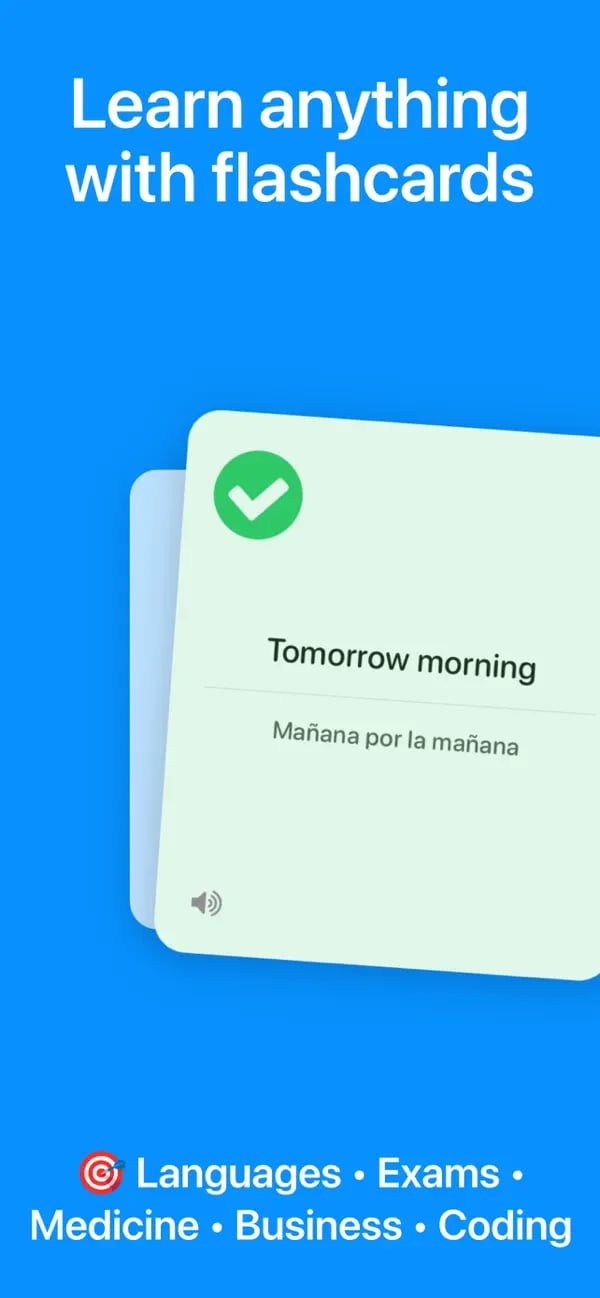
Use focused question-and-answer cards for languages, exams, work, coding, medicine, and more.
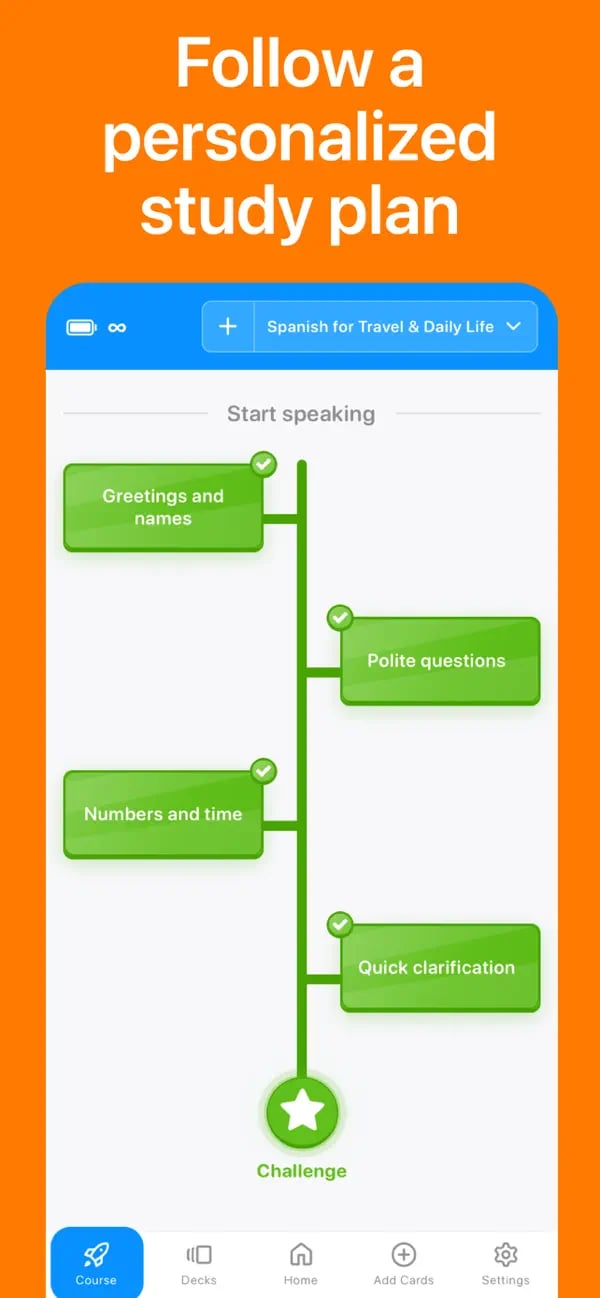
Move through lessons, review checkpoints, and challenges built around your goal.
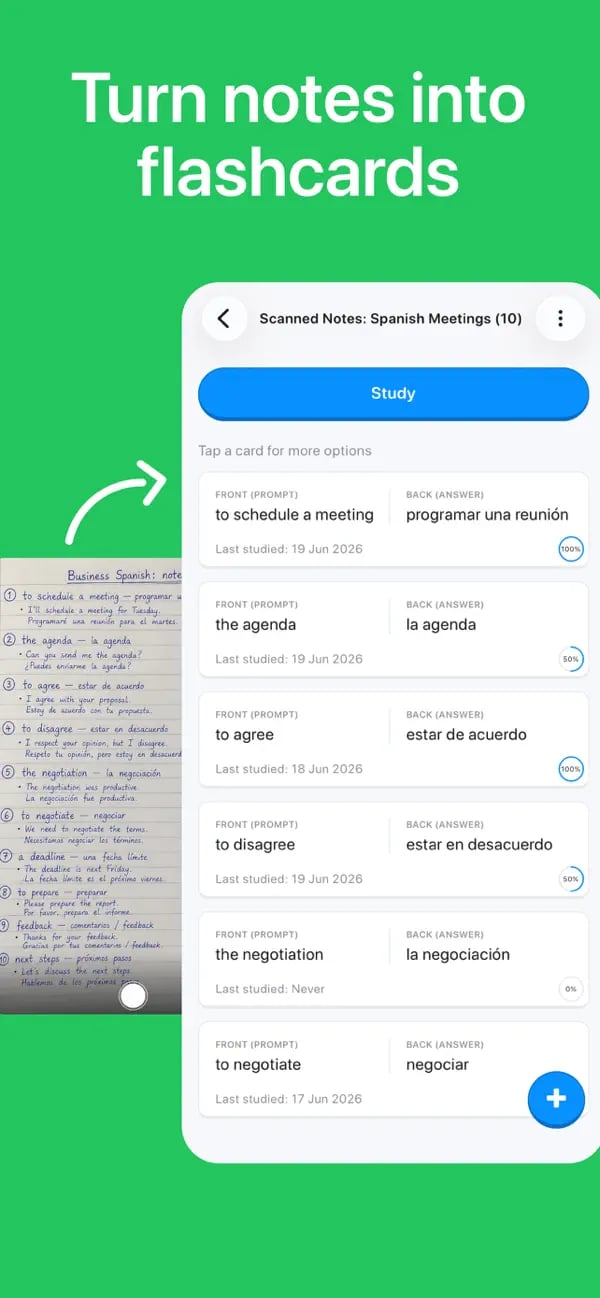
Photograph printed or handwritten notes and review the editable cards Memko creates.
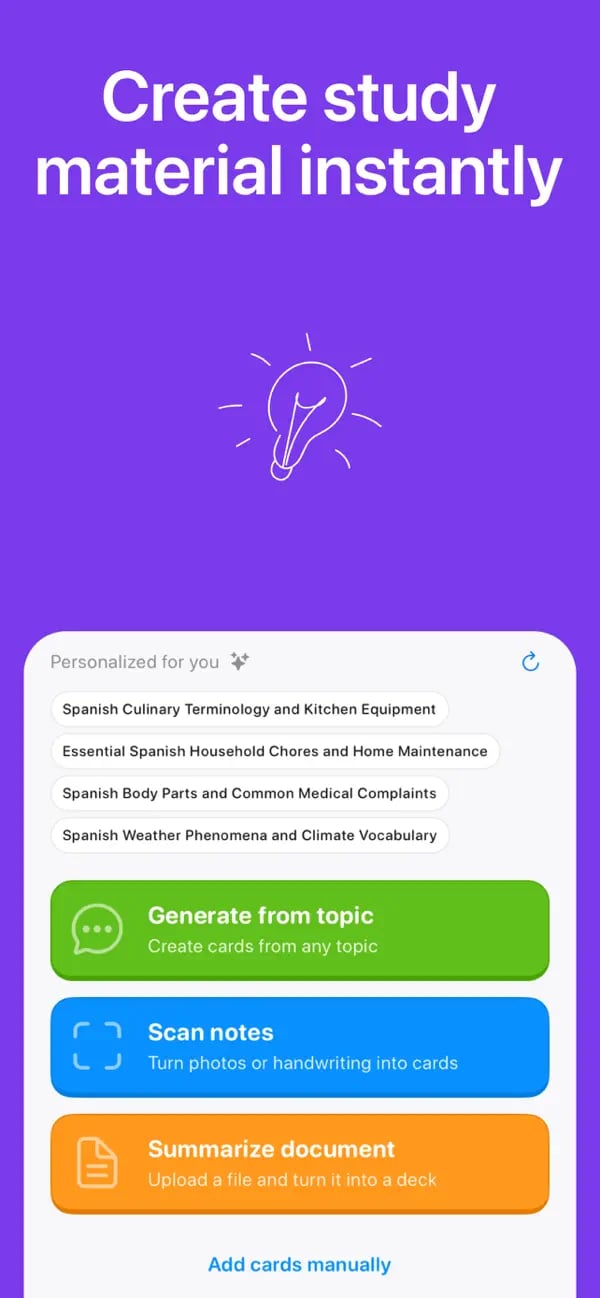
Generate from a topic, scan notes, or add cards manually without rebuilding your workflow.
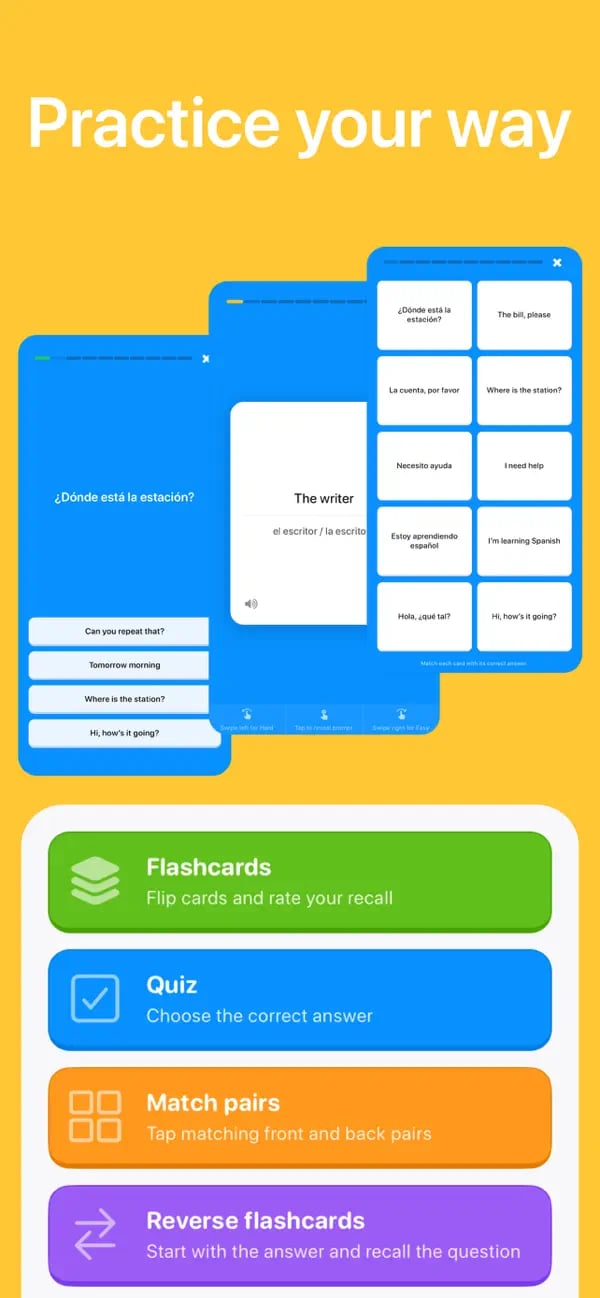
Switch between flashcards, reverse cards, quizzes, and matching with the same deck.
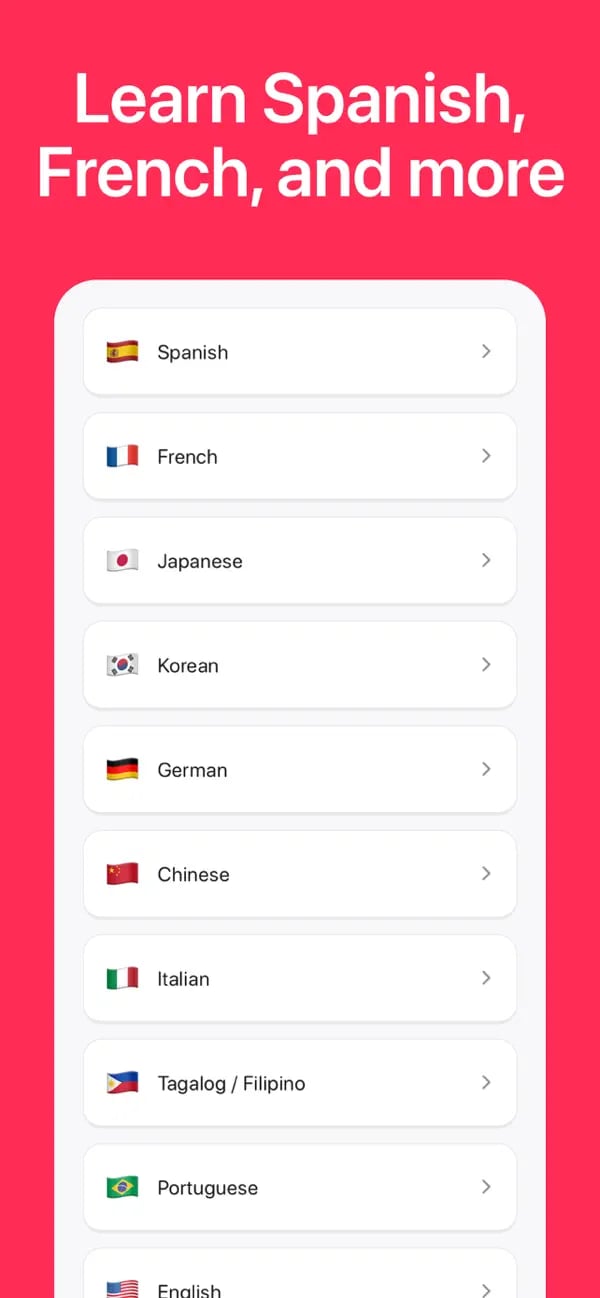
Build recognition and recall in Spanish, French, Japanese, Korean, German, and more.
Personalized courses
Start with a language, exam, school subject, career skill, hobby, or custom topic. Memko organizes it into a course you can follow one useful step at a time.
Starting a lesson creates flashcards for that topic, and those cards join the same review system as your other decks.
Course checkpoints revisit earlier material, while end-of-section challenges help confirm that you are ready to continue.
See the current step, completed lessons, review-due topics, section progress, and what comes next.
Switch between multiple courses and add new sections when you are ready to extend a learning path.
Flexible flashcards
Courses and standalone decks work together. Add cards manually, generate a focused topic deck, scan notes, or import compatible CSV and Excel material.
Practice your way
Use the same cards in the format that fits the moment. Progress stays connected across your course lessons and standalone decks.
Flashcards
Reverse flashcards
Multiple choice
Matching
Ready when your notes are
Choose a topic or scan a page, check the cards, and start a focused practice session on your phone.
Available for iPhone, iPad, and Android
Practical study guides
Get a direct answer to the study question you searched, then see how to put it into practice with Memko.
Turn a page of useful information into focused prompts you can actually review.
Read the guidePhotograph a page, improve recognition, and turn the useful ideas into editable cards.
Read the guideStart a useful deck even when you do not have prepared notes to import.
Read the guideUse clear prompts and judgeable answers instead of copying paragraphs onto cards.
Read the guideReview knowledge across time without manually planning every card’s next appearance.
Read the guideReplace familiar rereading with questions that make you retrieve the answer.
Read the guideChoose the right workflow
Honest, dated comparisons for learners considering a change from another flashcard app.
Compare a large shared study platform with Memko’s focused, no-account mobile routine.
See the comparisonCompare Anki’s deep customization with Memko’s guided creation and mobile-first practice.
See the comparisonCompare an all-in-one web study platform with Memko’s local-first mobile learning path.
See the comparisonCompare Gizmo’s import and gamification system with Memko’s personalized local learning path.
See the comparisonDesigned with privacy in mind
Cards, decks, courses, and study progress are stored locally. AI features send only the topic or image you choose for processing.
01
Core study content and progress are stored locally
02
Existing decks remain available for offline study
03
AI creation needs a connection and processes only submitted material
Quick answers to the questions learners ask before choosing a flashcard app.
Create a personalized course, practice a little each day, and keep important knowledge moving forward.
Available on iOS and Android