Topic to flashcards
How to generate flashcards from a topic without getting a generic deck
The quality of a topic-generated deck depends on the instruction. Define the subject, level, scope, and kind of recall you want before asking AI to create the cards.
Reviewed July 21, 2026
The short answer
Replace a broad prompt like biology with a bounded request such as beginner cell biology: organelle functions and differences, 20 short question-and-answer cards. Review the result for accuracy and coverage, remove cards outside your goal, and add anything important the first draft missed.
Write a prompt that produces a usable deck
- 1
Set the scope
Name the specific chapter, skill, exam objective, conversation situation, or professional task you want to cover.
- 2
Set the level and format
Say whether you are a beginner or advanced learner and whether you need definitions, contrasts, examples, or translation prompts.
- 3
Audit the draft
Check facts, balance, duplicates, missing ideas, and whether each answer can be judged clearly during practice.
Narrow topics create stronger questions
A subject name contains too many possible learning goals. Spanish could mean travel phrases, verb conjugation, listening vocabulary, or literary analysis. The generator must guess, so the deck often becomes a shallow survey.
Add the real situation and outcome. Spanish for checking into a hotel at beginner level gives the deck a clear boundary. For an exam, include the syllabus unit and the type of question you expect. For work, name the process and audience.
- State what is inside and outside the deck.
- Request one idea per card and concise answers.
- Choose a card count that matches the scope instead of maximizing it.
Check coverage as well as accuracy
A deck can contain only correct facts and still be incomplete. Compare it with your syllabus, checklist, course outline, or practical goal. Mark important concepts that have no prompt and remove low-priority facts that crowd the review queue.
Generated material is a starting point rather than a replacement for authoritative sources. For medical, legal, safety, certification, or other high-stakes subjects, verify each answer against the material you are expected to use.
Expand the deck after practice reveals a gap
The first session shows which prompts are too vague and which concepts you cannot explain. Edit confusing cards rather than repeatedly failing because the question is unclear. Add examples only when they help define the expected answer.
When the deck becomes comfortable, extend it with a narrower follow-up topic instead of generating another broad duplicate. This keeps each deck organized and makes progress easier to read.
Topic to flashcards
Generate a focused deck in Memko
Memko can start from a topic or build a personalized course when you want a longer path.
- 1
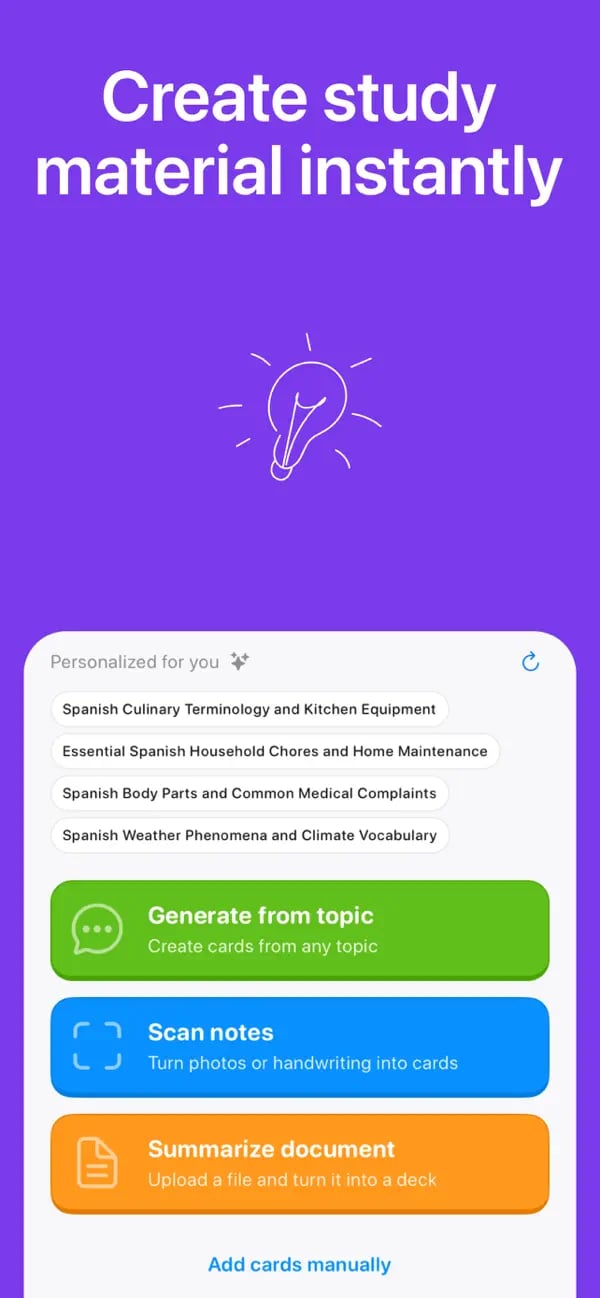
Open Add Cards and choose Generate from topic, or start a course for a multi-section learning goal.
- 2
Describe the scope, level, focus, and useful deck size in a specific prompt.
- 3
Review the cards, edit the result, and practise with flashcards, quiz, matching, or reverse mode.
Topic-generation questions
Get a more focused first draft.
Keep learning
Sources and further reading
Turn today’s notes into tomorrow’s knowledge
Create a deck, follow a personalized plan, and keep important ideas moving through short daily practice.
Free to download on iOS and Android